
Images in, characters out — nothing else. Recognition happens entirely on your computer; your images never leave it.
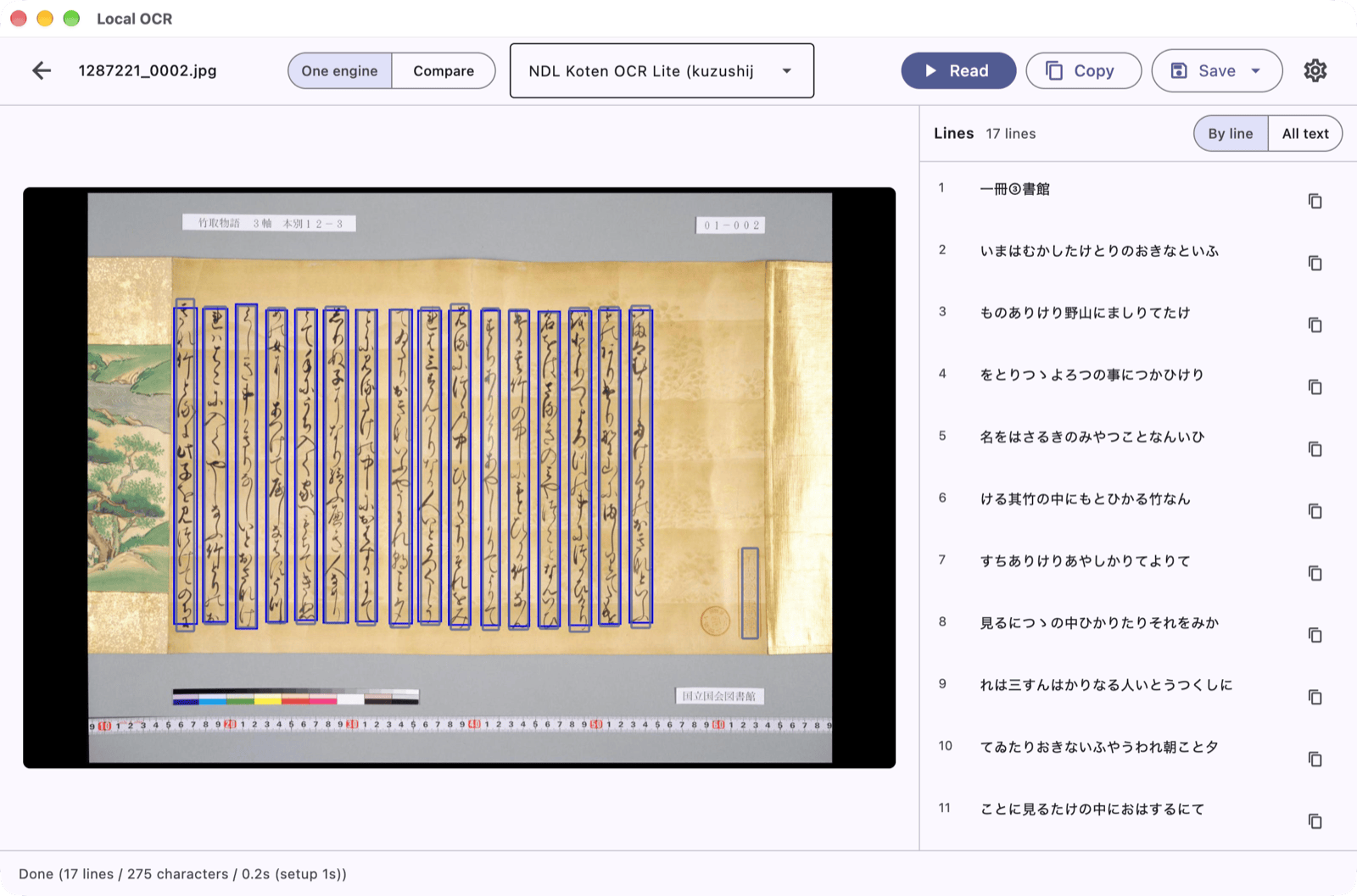
It reads Japanese (from modern print to pre-modern cursive, kuzushiji), Chinese (classical and modern), English and Tibetan. Choose the recognition engine to match the material.
Download
| Windows | Microsoft Store (free; the Store signs it, so no SmartScreen warning) |
| macOS | Releases (signed and notarised .dmg) |
Nothing else to install. llama-server, which runs the PaddleOCR-VL model,
is bundled with the application; recognition models are fetched on first use.
Watch
Three short videos play in a row: installing, basic use, and more ways to use it. They have no sound; the explanation is in (Japanese) captions.
What it does
- Input: image files, the clipboard, a folder of page images, or a IIIF manifest URL
- Output: plain text (
.txt) or TEI/XML (.xml) - Compare: run two engines over the same page and read the results side by side
- Japanese and English interface, light and dark
Links
- How to use (in Japanese)
- Source code (MIT)
- Privacy policy
Credits
Satoru Nakamura (The University of Tokyo). Contact: nakamura@hi.u-tokyo.ac.jp